Design your dream golf course
Draw a hole from tee to green and Parscape sketches it for you: fairway, green, bunkers, trees. Keep what you like, reshape the rest, and print it like an architect's plan.
Start designing, free No sign-up. Runs in your browser.
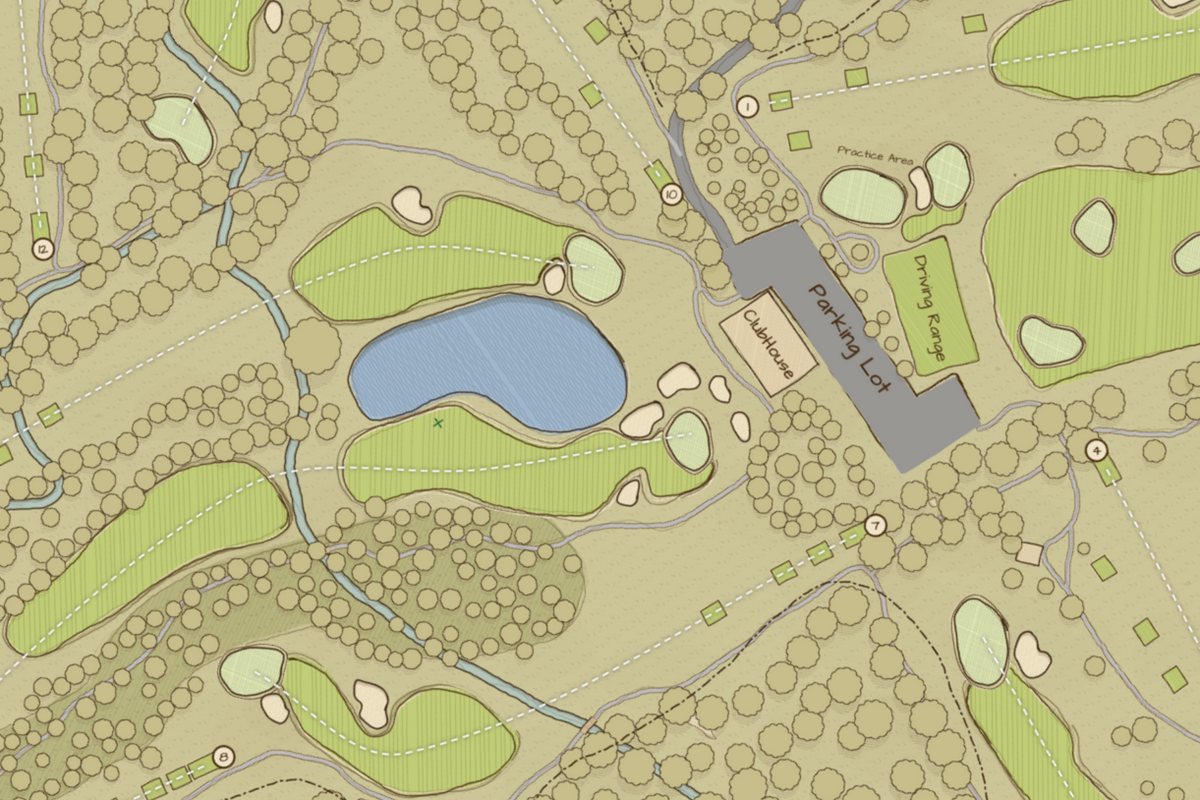
Everything you need to lay out a course
-
Holes first
Draw a hole's line and see its length and par as you go. A randomized sketch appears; keep the pieces you like and shuffle the rest.
-
Hand-drawn looks
Marker, watercolor, pen and ink, colored pencil, vintage map, blueprint, chalkboard, or a clean technical drawing.
-
Every feature of a real course
Greens with collars, bunkers with depth, ponds and creeks, rough, fescue, tree masses, flower beds, cart paths, bridges, buildings and more.
-
Parkland, links, desert or oceanside
Start on land that suits your course, from 18 holes to a par-3 or pitch & putt, and trace over an aerial photo if you like.
-
Print like a pro
Course plans with a scorecard and legend, a yardage-book page per hole, and scorecards, as PDF, SVG or PNG, true to scale.
-
Yours, and private
Your courses stay on your device. Save a .golfplan file to keep or share; nothing is uploaded unless you choose to.
Questions
Is Parscape free?
Yes. Designing, saving, and printing on your own printer are all free, with no sign-up.
Where are my courses stored?
On your own device. Parscape saves your work in your browser and lets you download a .golfplan file. Nothing is uploaded unless you choose to.
Can I print my golf course design?
Yes: a full course plan with title block, north arrow, scale bar and scorecard; a yardage-book page for every hole; and a scorecard. Download them as PDF, SVG or PNG, at a fixed scale across several pages for big prints.
Can I trace over an aerial photo of real land?
Yes. Add a background image, set its scale by measuring something of known length, and draw over it.